

👋
Welcome! Use code
CAMUNLOCKS
at checkout to unlock 5% off your first order
RKX DMA
Requirements
Summary
RKX Valorant DMA offers player ESP with raytrace vischeck, aimbot, magnet and triggerbot, spike and trap ESP, trajectory and lineup tools, a shareable web radar, and cloud configs.
Cheat Features
-
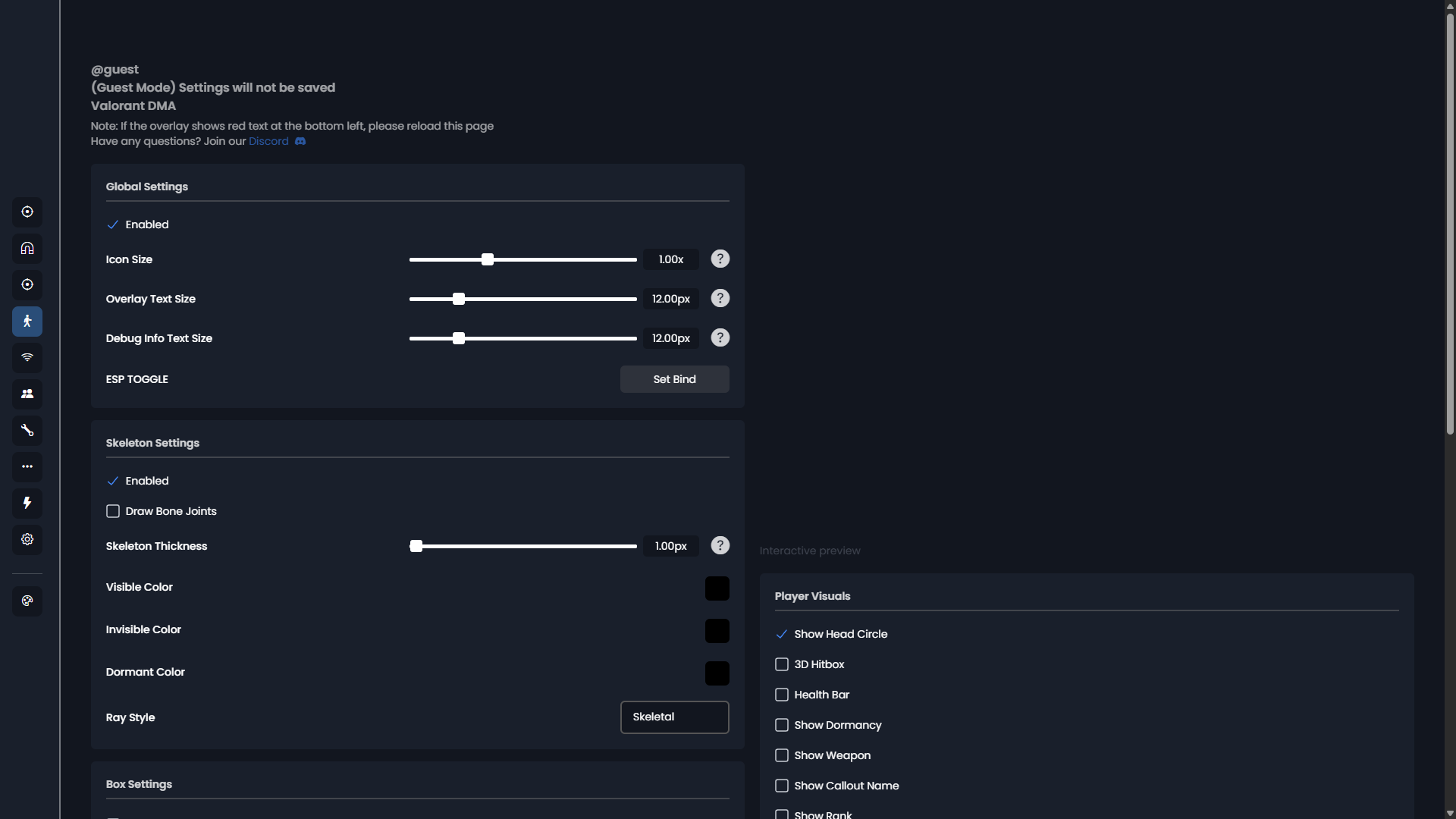
Player ESP
Skeleton, box types, health bar, name, weapon and agent display.
- Skeleton
- Box (2D, 2.5D, 3D)
- 2D corner box
- 3D wireframe hitbox
- Health bar
- Player name (also shows anonymized names)
- Weapon
- Agent icon
- Head circle
- Bone joints
-
Vischeck
Raytrace visibility checks against map geometry and ability walls.
- Raytrace vischeck with map parsing
- Raytrace targets (Map geometry, Smokes, Iso shield, Viper wall, Sage wall, Curved walls)
-
Other Visuals
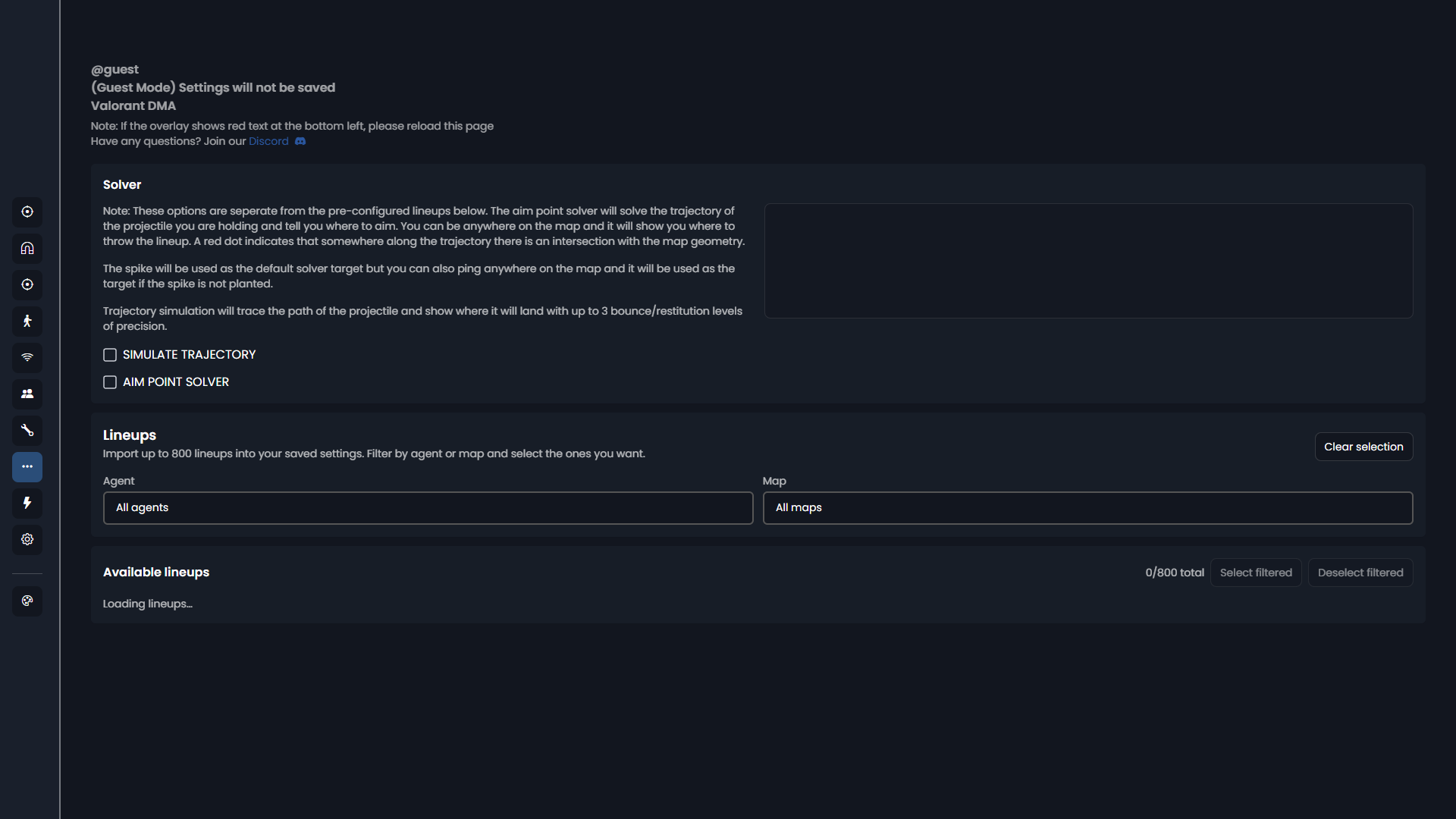
Spike and trap info, minimap overlay, snaplines, FOV circle, trajectory simulation and aim point solver.
- Spike timer
- Spike defuse percentage
- Trap ESP
- Overlay minimap radar
- Snaplines
- FOV circle
- Customizable toggle key
- Performance overlay
- Trajectory simulation (up to 3 bounce levels)
- Aim point solver (ping anywhere on the map to show where to throw the lineup)
-
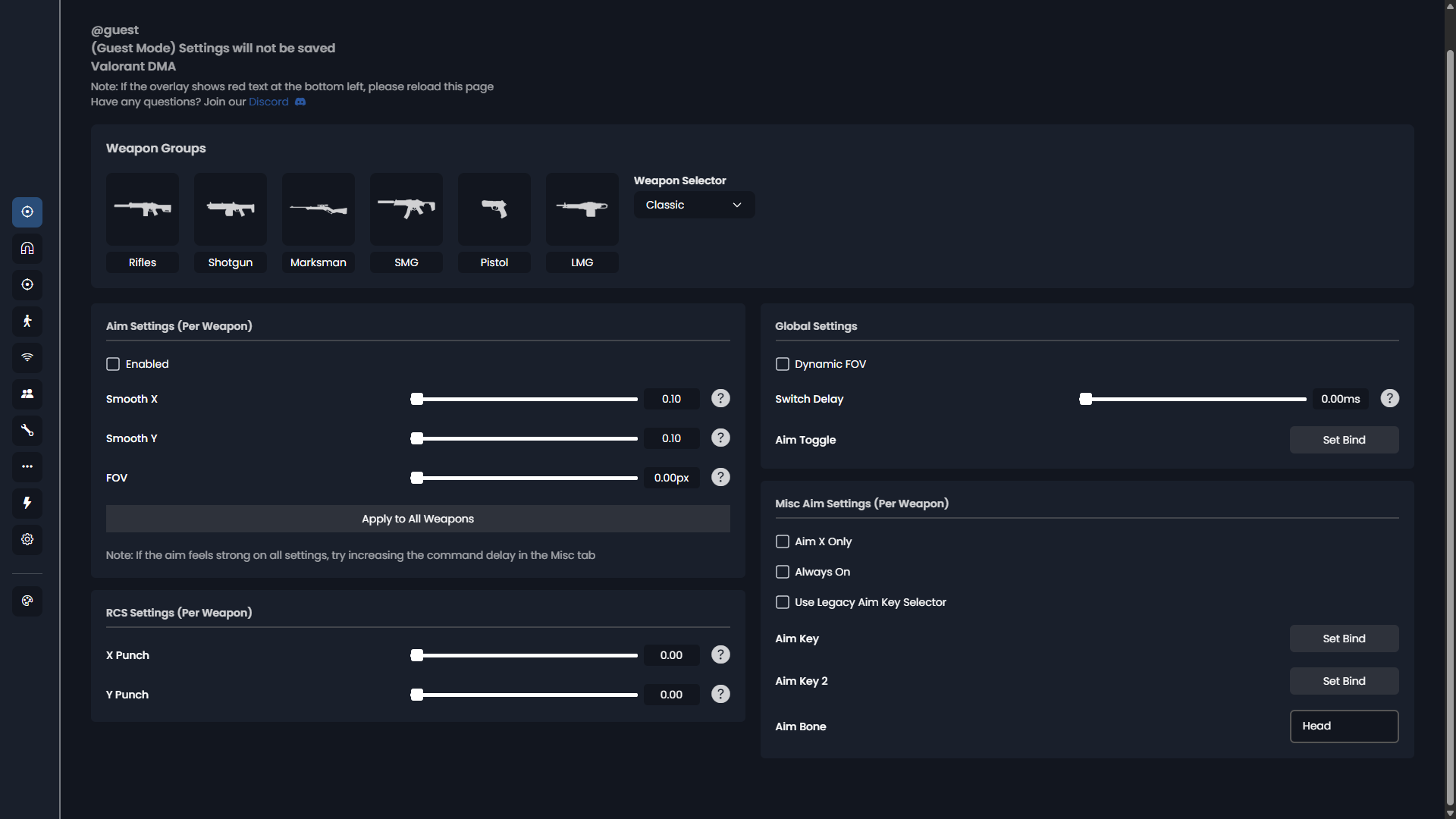
Aimbot
Variable X/Y smoothing, hotkeys, X-only and always-on modes, per-weapon settings.
- X/Y min/max variable smoothing
- Customizable hotkeys
- Customizable toggle key
- X only mode
- Always on mode
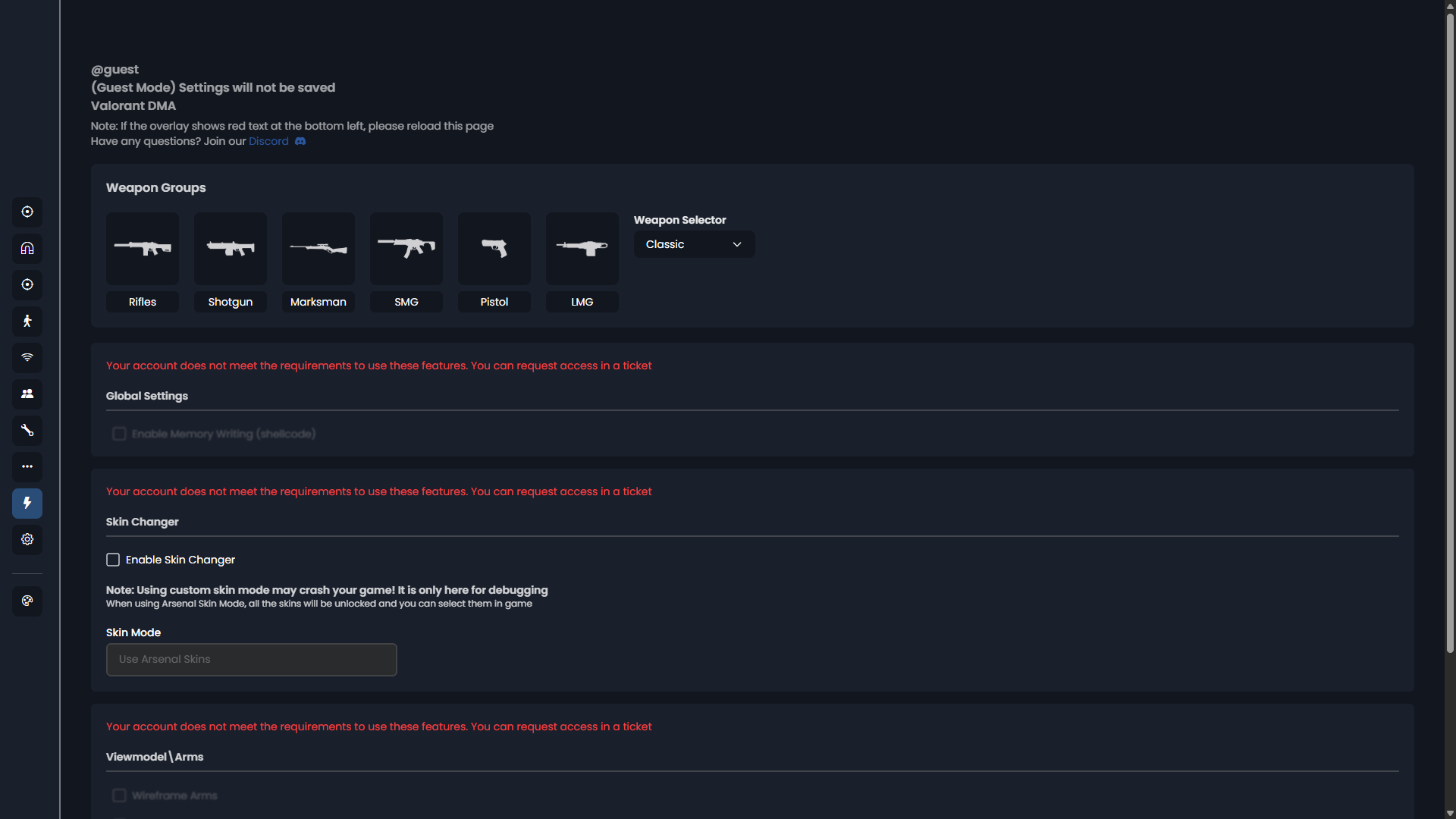
- Per-weapon settings (customizable weapon groups)
-
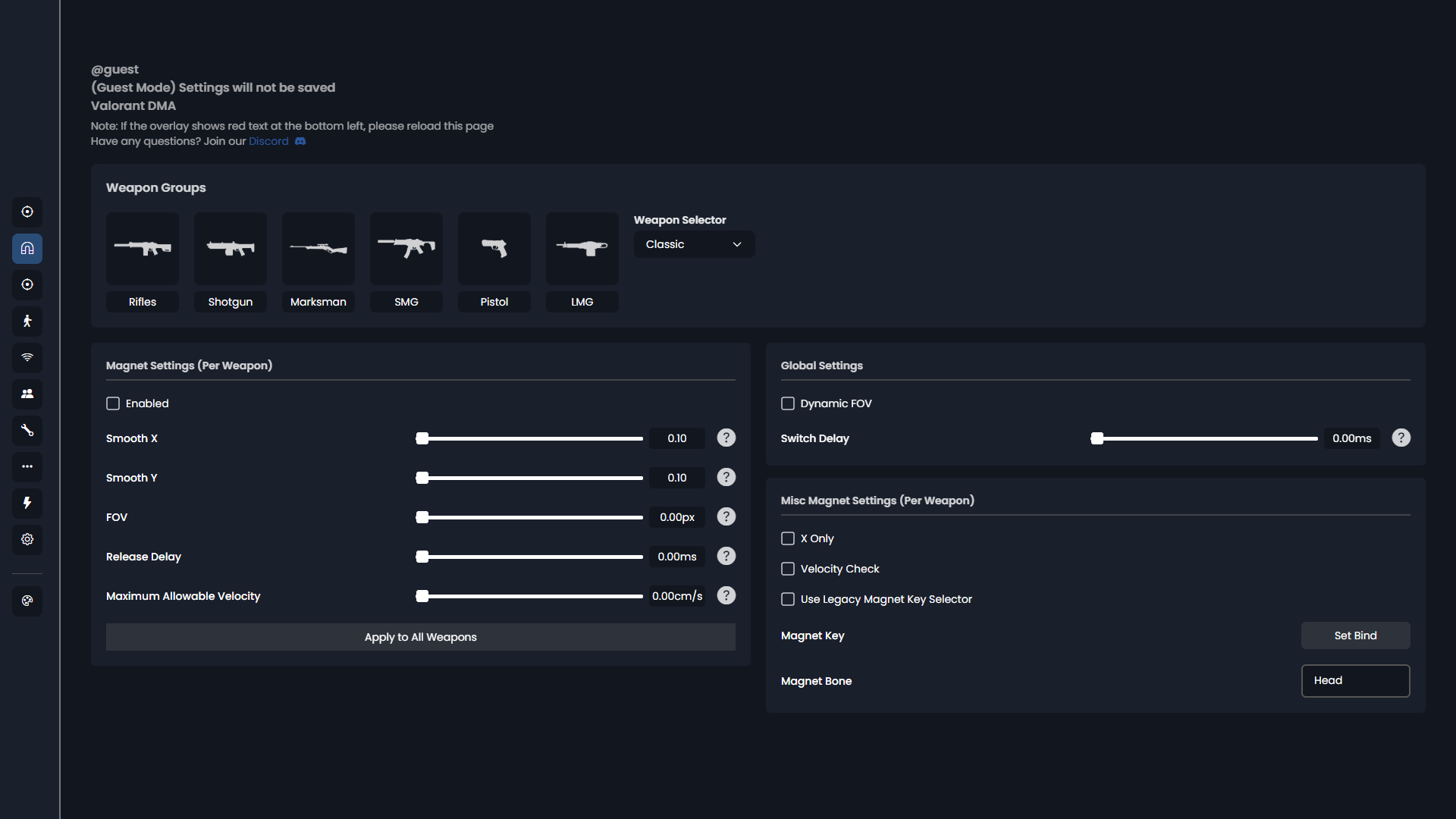
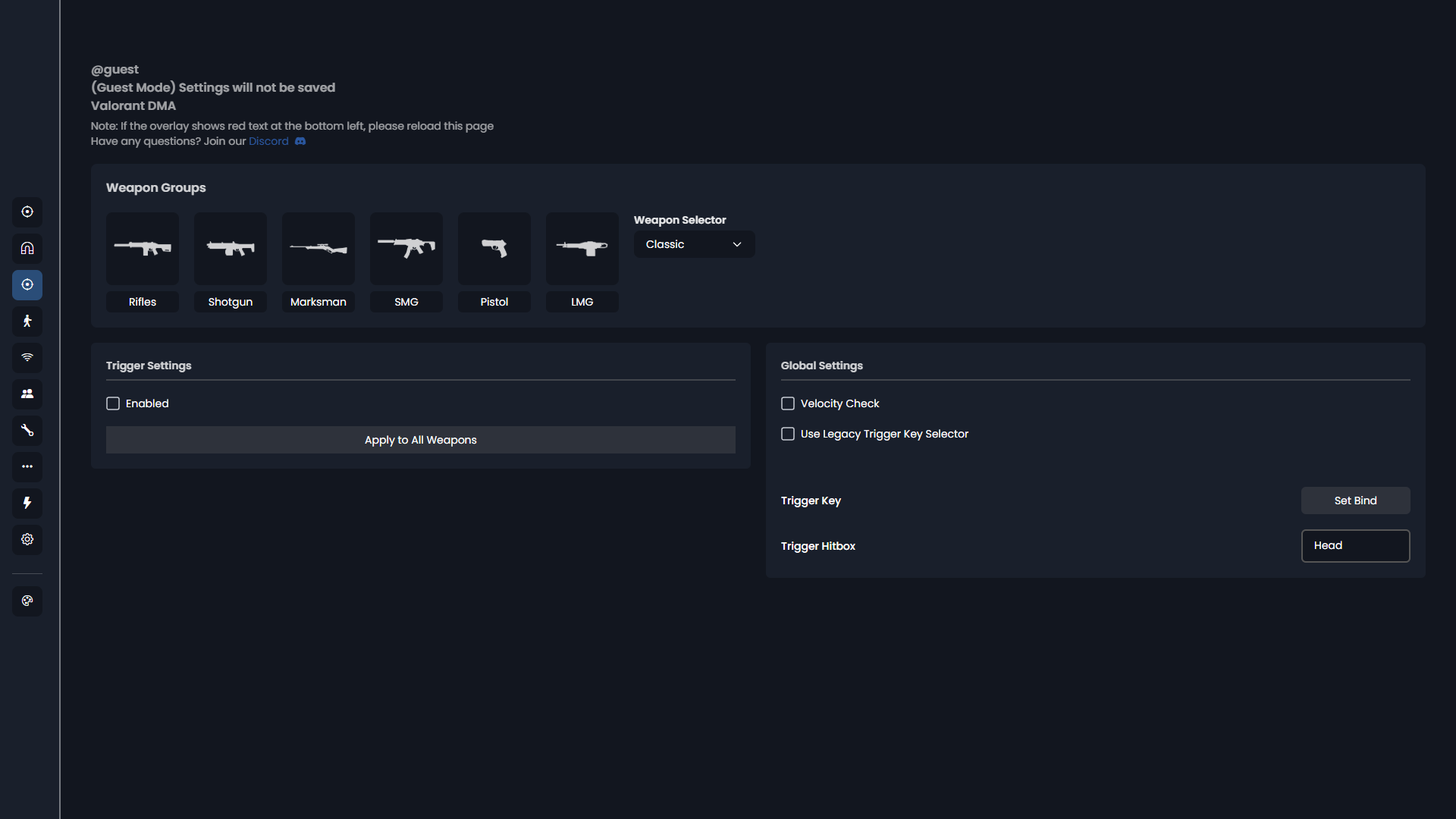
Magnet / Triggerbot
Chamber state and velocity checks, raytrace triggerbot, smoothing, hold key, per-weapon settings.
- Weapon chamber state check
- Velocity check
- Raytrace-based triggerbot
- Customizable min/max smoothing
- Customizable hold key
- Per-weapon settings (customizable weapon groups)
-
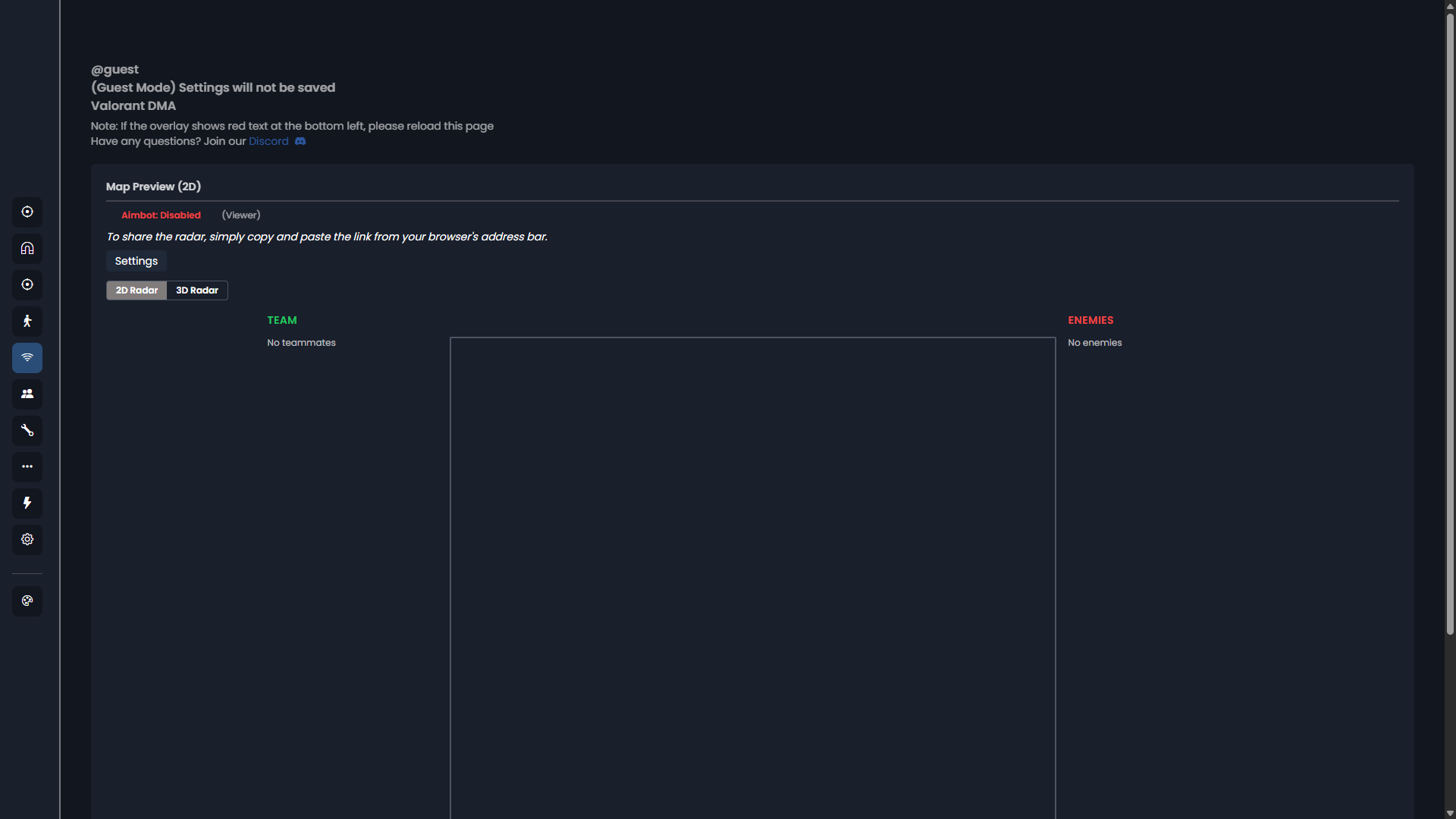
Radar
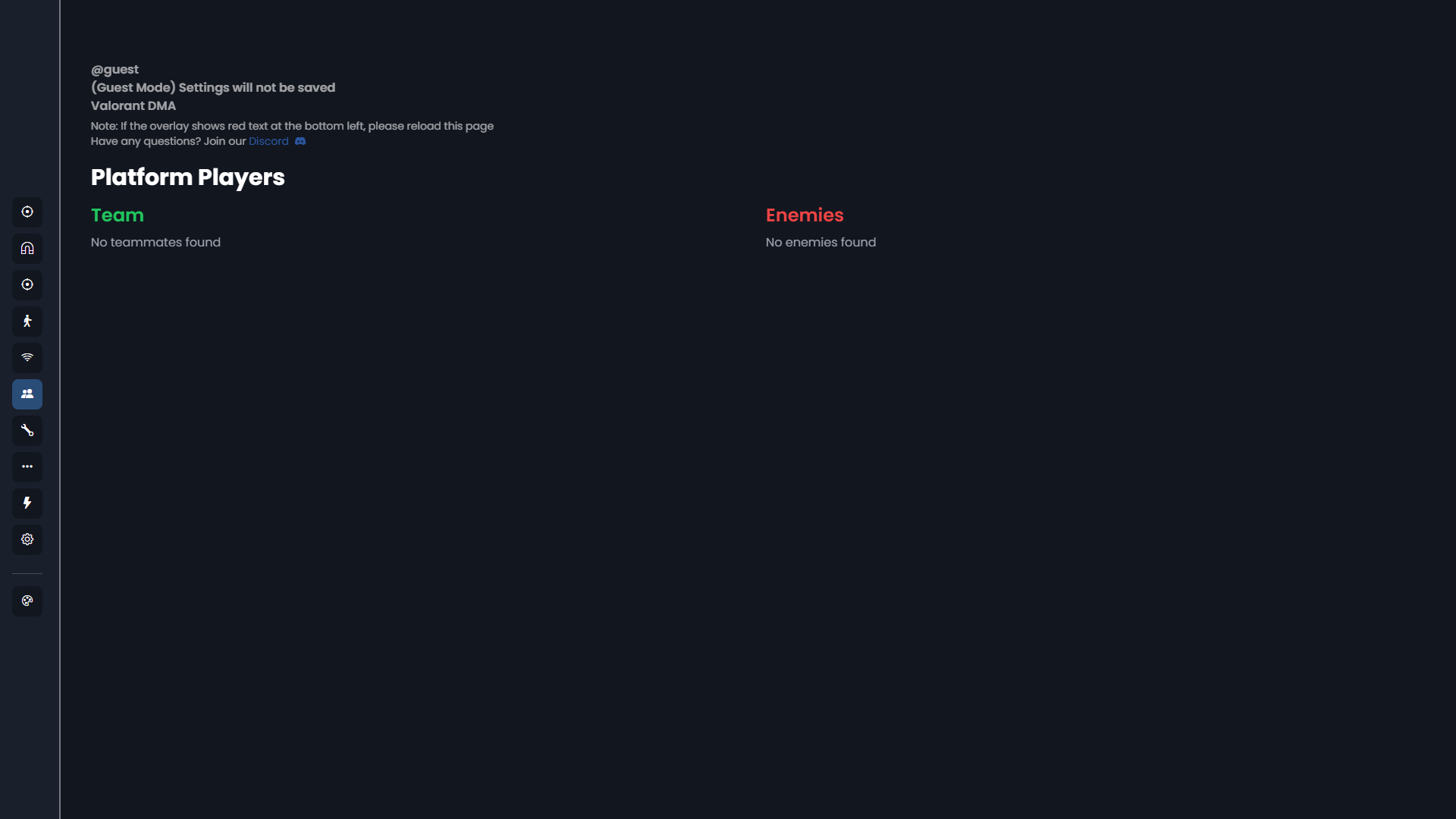
Player name, rank, level, TRN link, direction, weapon, defuse info and a shareable web radar.
- Player name
- Player rank
- Player account level
- TRN link
- Direction vector
- Current weapon
- Defuse progress and timer
- Shareable web radar (share by copying the dashboard link)
-
Config
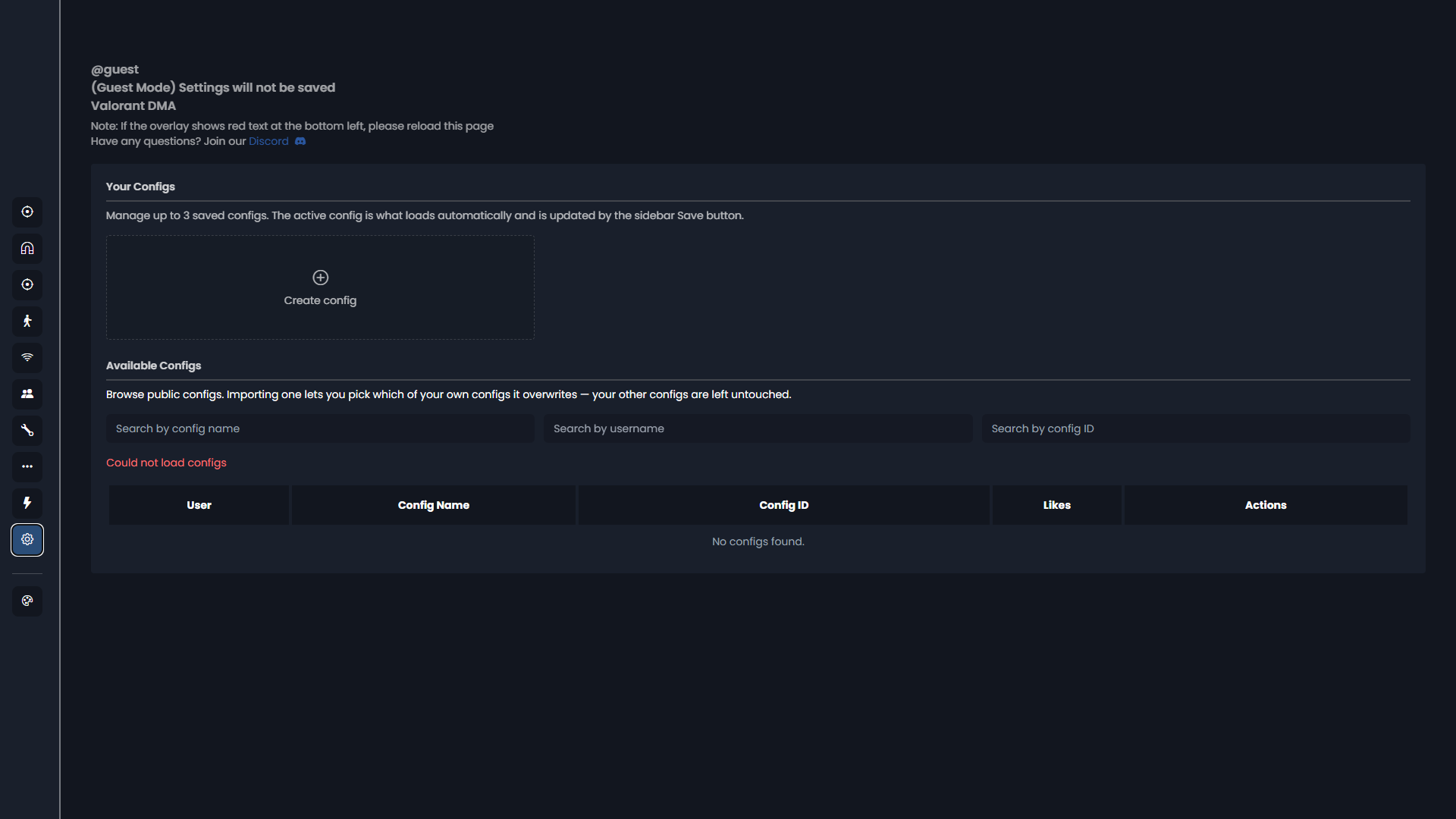
Cloud configs with import of configs made by other users.
- Customizable cloud configs
- Import configs made by other users
-
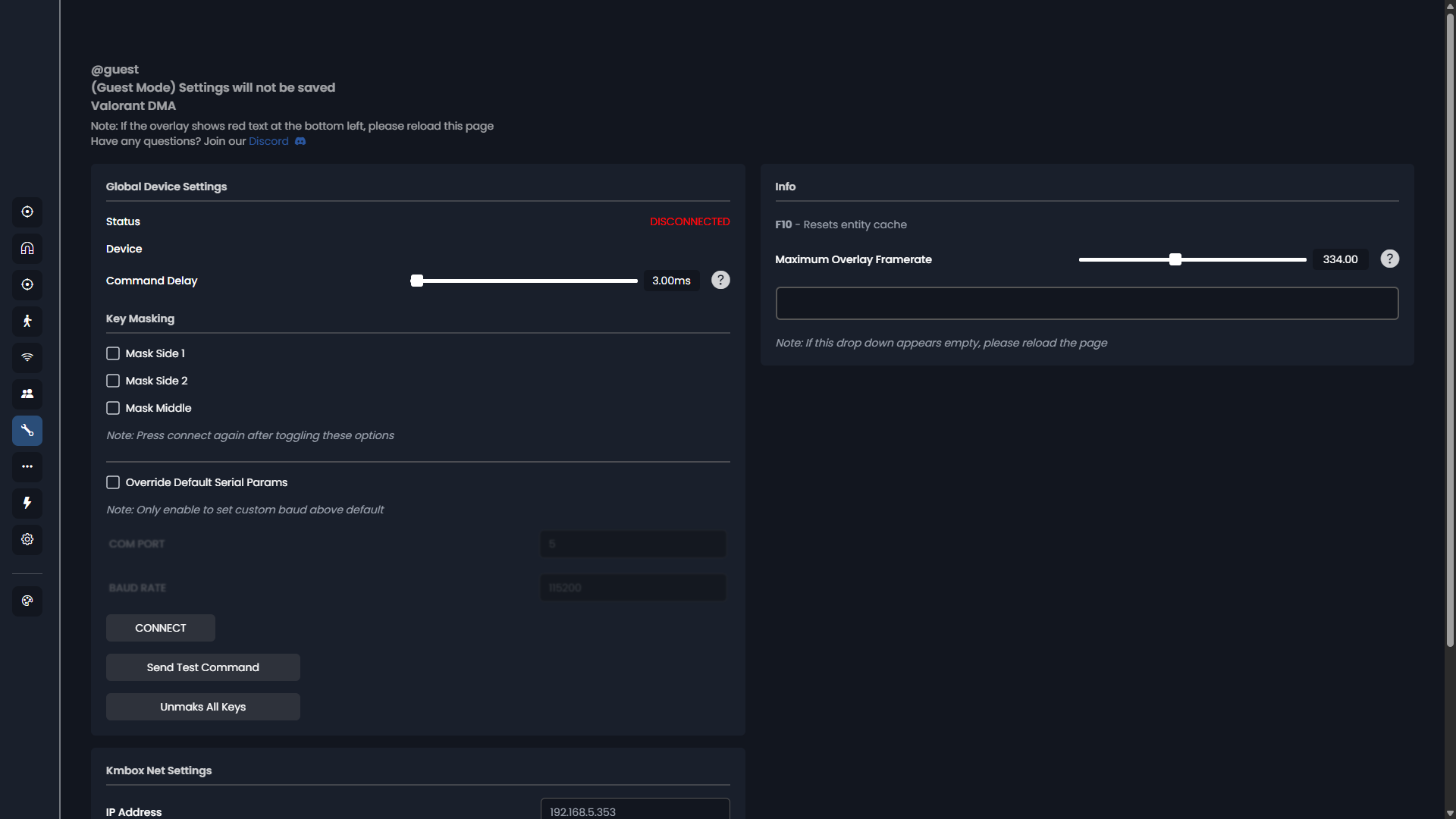
Mouse Device Support
Key masking, key state from the mouse device and external mouse device support.
- Key masking (X5/X6)
- Option to pull key state from the mouse device
- Support for hardware mouse devices (serial and network)
-
DMA
Needs a second PC -
DMA card required
Hardware -
Riot Vanguard
Game anti-cheat